

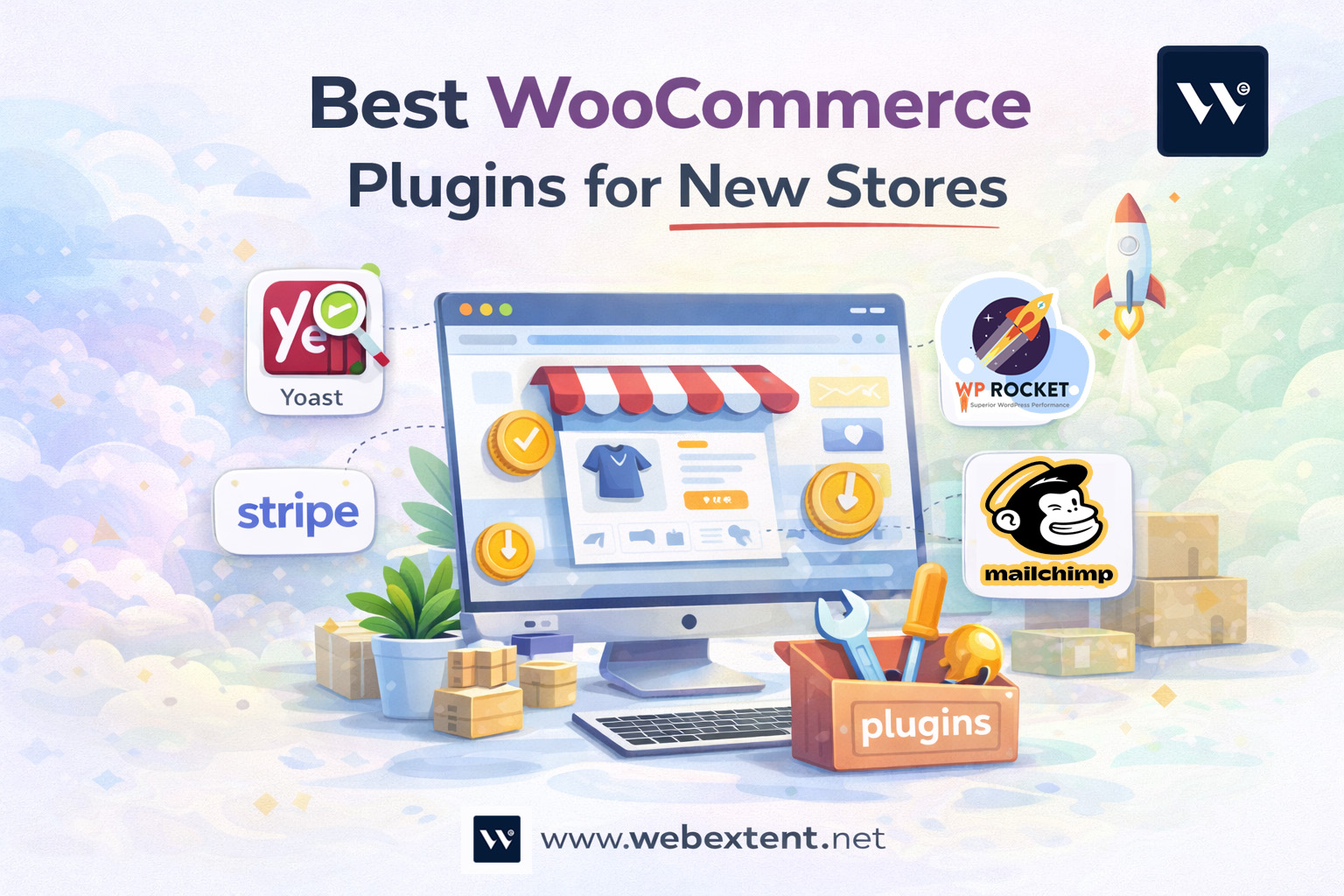

Starting a new WooCommerce store is exciting — but also overwhelming. With over 59,000 WordPress plugins available, deciding which ones you actually need is a challenge every new store owner faces. Install too many and your site slows down. Install too few and you miss out on sales-boosting features.
This guide cuts through the noise. We have tested and hand-picked the best WooCommerce plugins for new stores — covering everything from SEO and payments to marketing and security. Whether you are launching your first store or rebuilding an existing one, these tools will set you up for long-term success.
Why Choosing the Right WooCommerce Plugins Matters
Plugins are the backbone of any WooCommerce store. They extend functionality, improve user experience, and help you compete with larger retailers without a developer on staff. But choosing the wrong plugins — or using too many — can lead to:
- Slow page load times that hurt conversions and SEO rankings
- Plugin conflicts that break your checkout or product pages
- Security vulnerabilities that expose customer data
- Unnecessary costs from paid plugins you do not actually need
The right stack keeps your store lean, fast, and conversion-ready
Essential WooCommerce Plugins for New Stores
1. SEO Plugins
Search engine optimization is non-negotiable for new stores. Without visibility, even the best products go unsold.
- Rank Math SEO — The top choice for WooCommerce SEO. Rank Math offers product schema markup, XML sitemaps, keyword tracking, and automated SEO suggestions. Its WooCommerce module automatically generates rich snippets for product pages, helping your listings stand out in Google search results.
- Yoast SEO — A trusted alternative with a beginner-friendly interface. Yoast WooCommerce SEO (premium add-on) gives you breadcrumb control, cleaner product URLs, and Pinterest-friendly rich pins. If you are just learning SEO, Yoast’s traffic-light system is incredibly intuitive.
For new store owners looking to understand WooCommerce SEO basics, starting with either of these plugins is the single highest-ROI action you can take.
2. Payment Gateway Plugins
Your payment gateway directly impacts checkout conversion rates. Make it easy for customers to pay, and they will.
- Stripe for WooCommerce (WooPayments) — WooPayments is the native Stripe-powered gateway by WooCommerce itself. It supports credit cards, Apple Pay, Google Pay, and buy-now-pay-later options like Affirm. Zero additional monthly fees, just transaction costs.
- PayPal Payments — PayPal remains one of the most trusted payment methods globally. The official PayPal plugin supports PayPal Checkout, Pay Later, and Venmo for US customers. It is free, easy to configure, and trusted by millions of shoppers.
- Square for WooCommerce — Ideal for store owners who also sell in person. Square syncs your online and offline inventory automatically, making it perfect for hybrid retailers.
3. Shipping Plugins
Shipping complexity can derail new stores fast. These plugins simplify the process:
- WooCommerce Shipping — The official free plugin adds USPS and DHL labels directly from your WordPress dashboard. Print labels at a discount and track shipments without leaving your site.
- ShipStation — For stores expecting higher order volumes, ShipStation connects to 50+ carriers and automates your entire fulfillment workflow. It integrates directly with WooCommerce and saves hours each week.
- Flexible Shipping — A free plugin that lets you set custom shipping rates based on cart weight, value, or product count. Great for stores with varied product sizes.
4. Marketing and Email Plugins
Driving traffic to your store is only half the battle. These plugins help you convert visitors and keep customers coming back.
- Mailchimp for WooCommerce — Syncs your customer and order data with Mailchimp automatically. Set up abandoned cart emails, post-purchase follow-ups, and product recommendation campaigns with minimal effort.
- Klaviyo — The gold standard for ecommerce email marketing. Klaviyo’s WooCommerce integration allows deep segmentation based on purchase history, browsing behavior, and lifetime value. More advanced than Mailchimp but worth the investment as your store grows.
- OptinMonster — A lead generation plugin that helps you build your email list through popups, exit-intent offers, and slide-in forms. An essential tool for converting first-time visitors into subscribers.
5. Performance and Speed Plugins
Site speed affects both user experience and Google rankings. These plugins keep your WooCommerce store fast:
- WP Rocket — The most popular premium caching plugin for WordPress. WP Rocket handles page caching, lazy image loading, CSS/JS minification, and database optimization in one package. Worth every penny for WooCommerce stores.
- Smush — Automatically compresses and resizes product images without sacrificing quality. Slow image load times are one of the biggest speed killers for new stores.
- Cloudflare — A free CDN that distributes your store’s assets across global servers. Reduces load times for international visitors significantly.
6. Security Plugins
New stores are frequent targets for bots, brute force attacks, and malware. Do not wait until something goes wrong.
- Wordfence Security — The leading free WordPress security plugin. Wordfence includes a firewall, malware scanner, login security, and real-time threat alerts. Its WooCommerce compatibility is excellent.
- WP Activity Log — Logs every action taken on your WordPress site, including user logins, plugin changes, and product edits. Critical for identifying suspicious activity quickly.
7. Reviews and Social Proof Plugins
New stores lack the customer reviews that build trust. These plugins help you collect and display social proof effectively.
- YITH WooCommerce Advanced Reviews — Enhances the default WooCommerce review system with star ratings, review images, voting, and filtering. Richer reviews increase product page conversions.
- TrustPulse — Displays real-time activity notifications (like recent purchases) to create FOMO-driven social proof. A simple but powerful conversion tool for new stores.
How to Choose the Right Plugins for Your Store
Not every store needs every plugin on this list. Use these criteria to prioritize:
- Identify your bottleneck — Are you struggling with traffic, conversions, or operations? Start with plugins that directly address your weakest link.
- Check compatibility — Always verify that a plugin is compatible with your current version of WooCommerce and WordPress before installing.
- Read recent reviews — A plugin with 1,000 five-star reviews but no updates in two years is a red flag.
- Test performance impact — Use a tool like GTmetrix before and after installing a plugin to measure any speed impact.
- Start lean — Install only what you need now. You can always add plugins as your store grows.
Free vs. Premium WooCommerce Plugins: What New Stores Should Know
Most of the plugins listed above have both free and premium versions. For new stores with limited budgets, here is a practical breakdown:
- Free plugins that are genuinely sufficient: Rank Math (free tier), PayPal Payments, Mailchimp for WooCommerce, Wordfence Security, Flexible Shipping
- Premium plugins worth the investment from day one: WP Rocket (performance), Klaviyo (if email marketing is a priority), WooPayments (if you want a native payment solution)
- Plugins to upgrade later: Rank Math Pro, YITH Advanced Reviews, ShipStation
The key is not to over-invest in tools before your store generates consistent revenue. Build your plugin stack in phases.
Final Thoughts: Build a Lean, Powerful WooCommerce Plugin Stack
The best WooCommerce plugins for new stores are the ones that solve real problems without adding unnecessary weight. You do not need 30 plugins to run a successful store — you need the right 10 to 15.
Start with the essentials: a solid SEO plugin, a reliable payment gateway, a performance optimizer, and a security tool. Then layer in marketing and conversion tools as your store grows and your needs become clearer.
Take the time to explore WooCommerce plugin compatibility guides and WooCommerce setup best practices to ensure your store is built on a stable, optimized foundation from day one. A thoughtful plugin strategy today saves hours of troubleshooting tomorrow.
Launching your store is just the beginning. Partner with WebExtent to fine-tune your WooCommerce setup, boost conversions, and create a store built for long-term success.



0 comments